
First, establish why people return
Choose a digital product's format after describing its task. Someone who looks for a contractor once a year and an employee who completes tasks on a phone every day need different ways to access it. A small screen alone does not mean a separate app is necessary. Start with three questions: how often does the person return, where do they arrive from, and what should they complete in one visit?
Write the main scenario in one sentence. For example: “a customer chooses a time and books,” “a member checks their club's events,” or “an employee performs an on-site inspection.” Then list real constraints: poor connectivity, camera access, repeated actions and the audience's devices. This lets you compare options by usefulness rather than technology names.
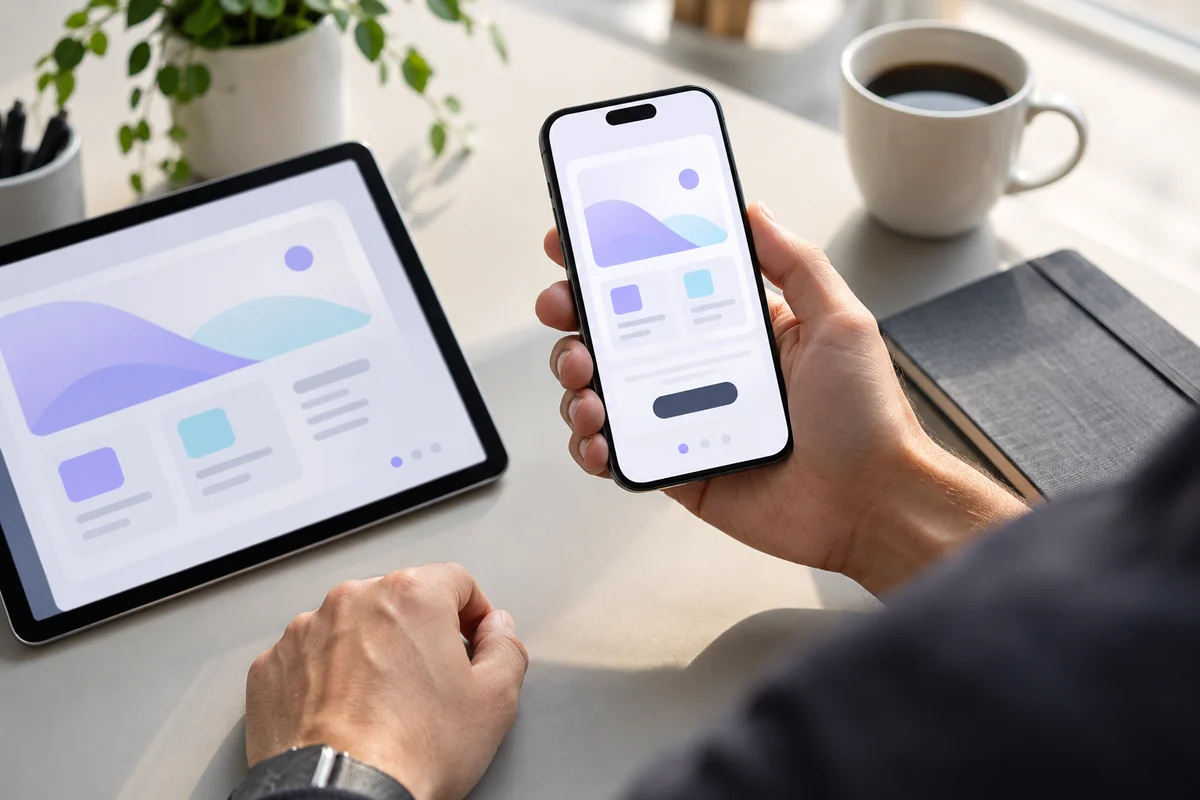
AI-generated illustration. First test the required action on a phone, then choose the product format and necessary device capabilities.
Responsive website: when entering through a link matters
A responsive website rearranges its elements for phones, tablets and computers. It suits people who open a page from search, an advertisement, a message or a QR code and need information immediately. No installation stands between the link and the first action. Responsiveness means more than reducing width: it requires usable fields, clear navigation and correct keyboard behavior.
Example 1: a renovation company's website. Most new visitors explore services, work examples and ways to get in touch. It makes sense to support that journey on the mobile website first. A separate app becomes justified only when a recurring process emerges, such as managing many serviced properties. Wanting a company icon on someone's phone does not, on its own, describe such a process.
PWA: a web product with additional capabilities
A PWA is a web application with additional capabilities, including installation on supported devices. Once installed, it can open separately from a normal browser tab. However, installation methods and available features differ across browsers and operating systems. Replace “works like an app everywhere” with a list of specific devices and actions. These differences are covered in MDN's PWA installation guide.
Example 2: a regular member's account. Someone frequently checks a schedule, updates a profile and confirms attendance. Consider a PWA if every required action can be performed reliably through the web platform and installation makes returning easier. The main scenario should also remain clear for people who follow an ordinary link without installing anything.
A separate app: when platform capabilities are needed
Consider an iOS or Android app when a recurring scenario depends on the platform: specialized equipment, advanced camera workflows, local processing or background behavior. But “an app can do this” does not remove the need to check system restrictions, permissions and specific device models. Build a small technical prototype of the riskiest feature.
Example 3: a field specialist's work tool. If the task requires sustained interaction with equipment and predictable behavior under agreed conditions, compare the available web and mobile-platform APIs on a real device. A simple photo upload can be implemented in several ways; a specialized connection needs separate testing. Base the choice on that test rather than a general claim that apps are superior.
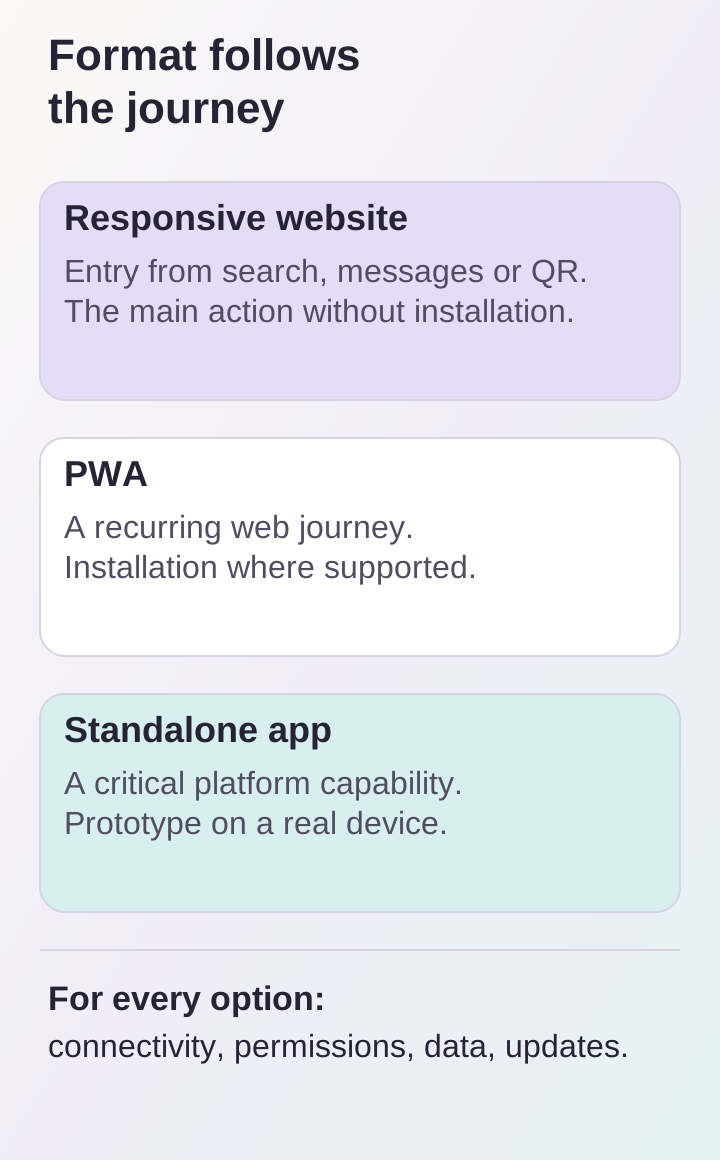
These are task-based guidelines, not feature guarantees: installation, notifications and offline support must each be checked separately.
Notifications and offline use need their own specification
Installation does not mean all data is available offline. Decide what is stored on the device, how long it remains current and what happens when connectivity returns. Loading an old record and confirming a new booking are different operations. People should see the distinction between a local draft and an action accepted by the server. Mechanisms and limitations are explained in MDN's documentation on offline PWA operation.
Notifications cannot be promised identically across devices either. For example, WebKit describes Web Push for Home Screen web apps on iOS and iPadOS: installation and user consent are part of the scenario. Check current behavior on the project's target system versions, denied permission and an alternative way to learn about an important event.
Estimate maintenance, not just the first launch
Compare the scope for each option: interface, server, integrations, device testing, distribution and subsequent updates. Apps add release preparation and publishing processes; web products still require browser compatibility, caching and data updates. No format automatically makes another cheaper for every feature set.
Establish separately where the source of truth lives. If the catalog, bookings or access rights are stored on a server, their rules should be shared by every interface. Discuss that foundation in our web platforms and user accounts section. Changing the client interface then need not mean building a second independent system.
Test the decision through a short scenario
Before detailed development, compare the options on one task: open the product, retrieve data, perform an action and see confirmation. Add tests for poor connectivity, denied permission and returning to the product. Specify devices, operating-system versions and acceptance criteria. If a critical feature is still only assumed to work, technical verification should precede the final estimate.
Prepare the audience description, usage frequency, essential features and constraints for a discussion about a mobile app or business website. Once you have chosen the format, read our article on defining an app's first release. It will help limit launch scope once the reasons for your choice are clear.
