
Explain the service before the details
The first screen should help people understand where they are and whether the offer fits their task. We recommend naming the service directly, adding a short explanation of the outcome and showing the main action. A generic slogan without a description forces visitors to scroll just to understand the subject.
On a phone, a large image can easily occupy almost the whole screen. Assess its role alongside the heading and introductory text. An illustration may establish a page's character, but it should not push the service explanation several screens down. Compare the page with and without the image: if removing decoration makes the meaning much clearer, reconsider the visual block's size or position.
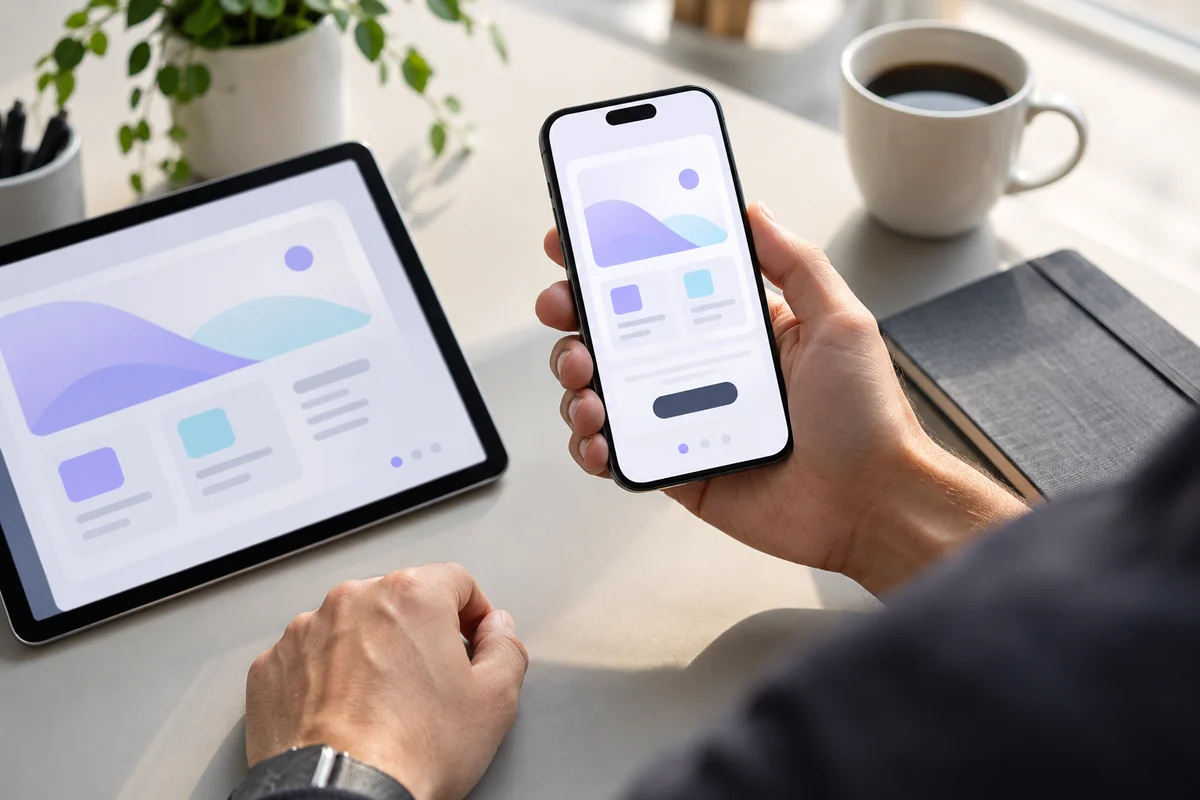
AI-generated illustration. On a small screen, the main action should remain understandable and easy to tap.
Arrange sections in the order of visitors' questions
On a wide screen, two columns can be perceived together; on a phone, they become a long sequence. Design that sequence separately. A suggested service-page progression is: who it suits, what the work includes, what the client receives, examples, terms and the next step.
Suppose a “What you receive” block has its heading and buttons on the left and a list of outcomes on the right. Simply stacking the columns puts the buttons before the explanation. On a phone, reading the list first and choosing an action afterward can be more useful. This is not a universal rule for every block; it aligns the order with the visitor's question: understand the offer before deciding whether to get in touch.
Separate the main action from supporting actions
If “Discuss a project,” “View work” and “About the studio” sit together, they do not all have to look identical. We recommend emphasizing the main scenario and keeping the others quieter. Labels should explain the result: opening a form, going to examples or downloading a document. An icon can support the text but should not be the only explanation of an unfamiliar action.
Placement depends on context. A separate button group beneath a complete block can be centered. A link within a sequential description may be easier to follow when aligned left with the text. Assess the whole group: wrapping a second button onto another line should not produce an accidental composition. On narrow screens, predictable order and sufficient spacing are preferable to forcing everything into a single row.
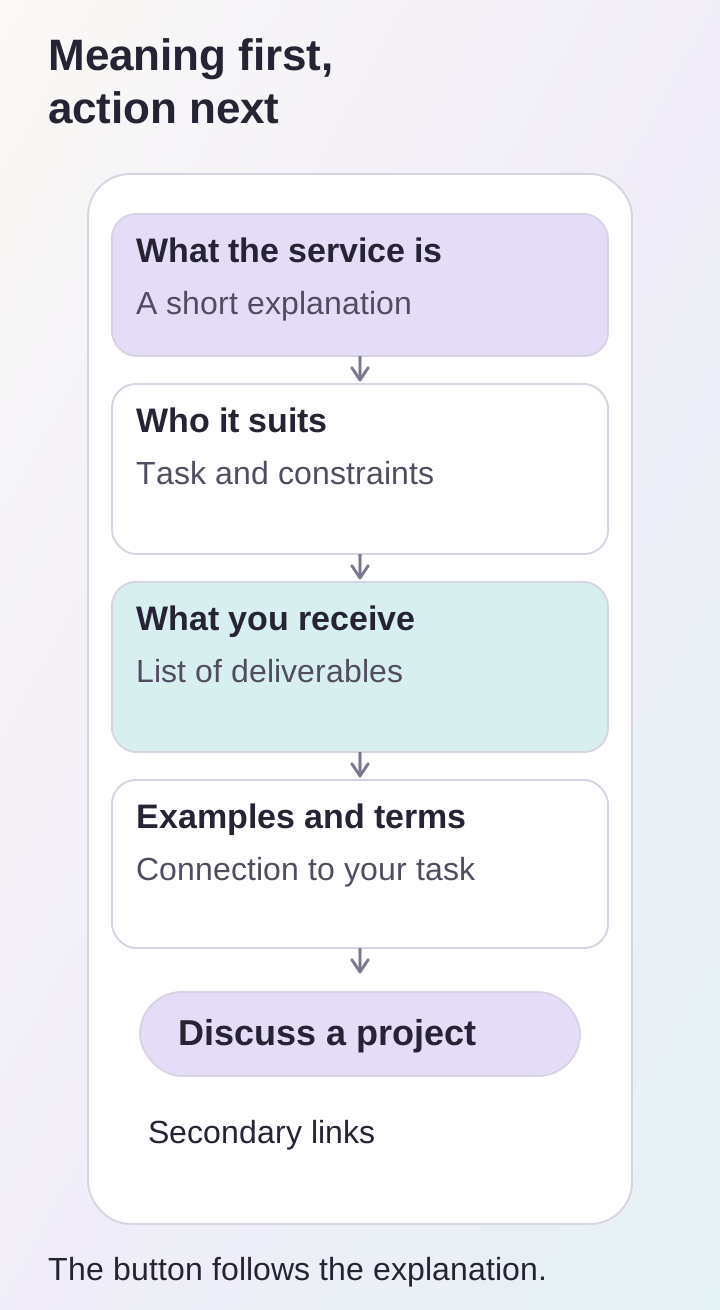
Suggested order for sequential reading: explanation and outcomes first, then the choice of action.
Make controls easy to tap
Assess the active area, not just the visible icon. A small arrow may look neat but be hard to hit with a finger. W3C's explanation of minimum target size gives 24 by 24 CSS pixels with specified exceptions, including sufficient spacing between small targets. Main actions should reasonably receive more generous areas.
Check adjacent links, close buttons, carousel controls and filters. They often receive less attention than the large inquiry button. If there is a fixed bottom panel, open the menu, form and on-screen keyboard: the panel must not obstruct reading or interaction. Do not add one merely because there is free space at the bottom of a design.
Show examples without losing context
A case study on a service page should explain its relationship to the offer. A few short captions about the task and outcome are usually more useful than a long gallery without commentary. If a description expands within a card, separate “Collapse” from links to the project website or full case study. These are different tasks, and closely spaced identical buttons can be confusing.
Choose image crops that keep important details visible on a phone. Do not put essential text only inside an illustration. Provide video with a clear manual play action and accessible controls. If a carousel supports swiping, add a visible alternative way to move between items: not every visitor will discover or be able to use the gesture.
Preserve readability when text is enlarged
Check the page with enlarged text, long labels and a narrow viewport. Headings may wrap but should not overlap neighboring elements. We recommend limiting decorative all-capital lines when they consume substantial space and impede reading.
The W3C Reflow criterion addresses content rearrangement without lost information or two-dimensional scrolling, subject to specified exceptions. It is a useful guide for ordinary service pages: main content should stay readable as the viewport narrows. Testing just one popular phone model does not establish how a page behaves under other text settings.
Finish by making a real inquiry
After reading about the service, open the form, complete it, correct an error and wait for confirmation. Ensure the keyboard does not hide the button and returning to the page does not discard important context. Check phone and messenger links separately if provided. Not every visitor is ready for a call, so offer a suitable asynchronous contact method.
Before publication, check that:
- the heading and introduction explain the service;
- section order answers visitors' questions;
- the main action is visible and clearly labeled;
- adjacent controls are easy to tap;
- images do not hide essential information;
- text remains readable when enlarged;
- the form can be completed on a real phone.
These decisions are easier to test in a working UI/UX design prototype. To discuss improvements to an existing page, send its address and describe the problematic scenario through our contacts.
